Shelf
Your collection, beautifully browsed
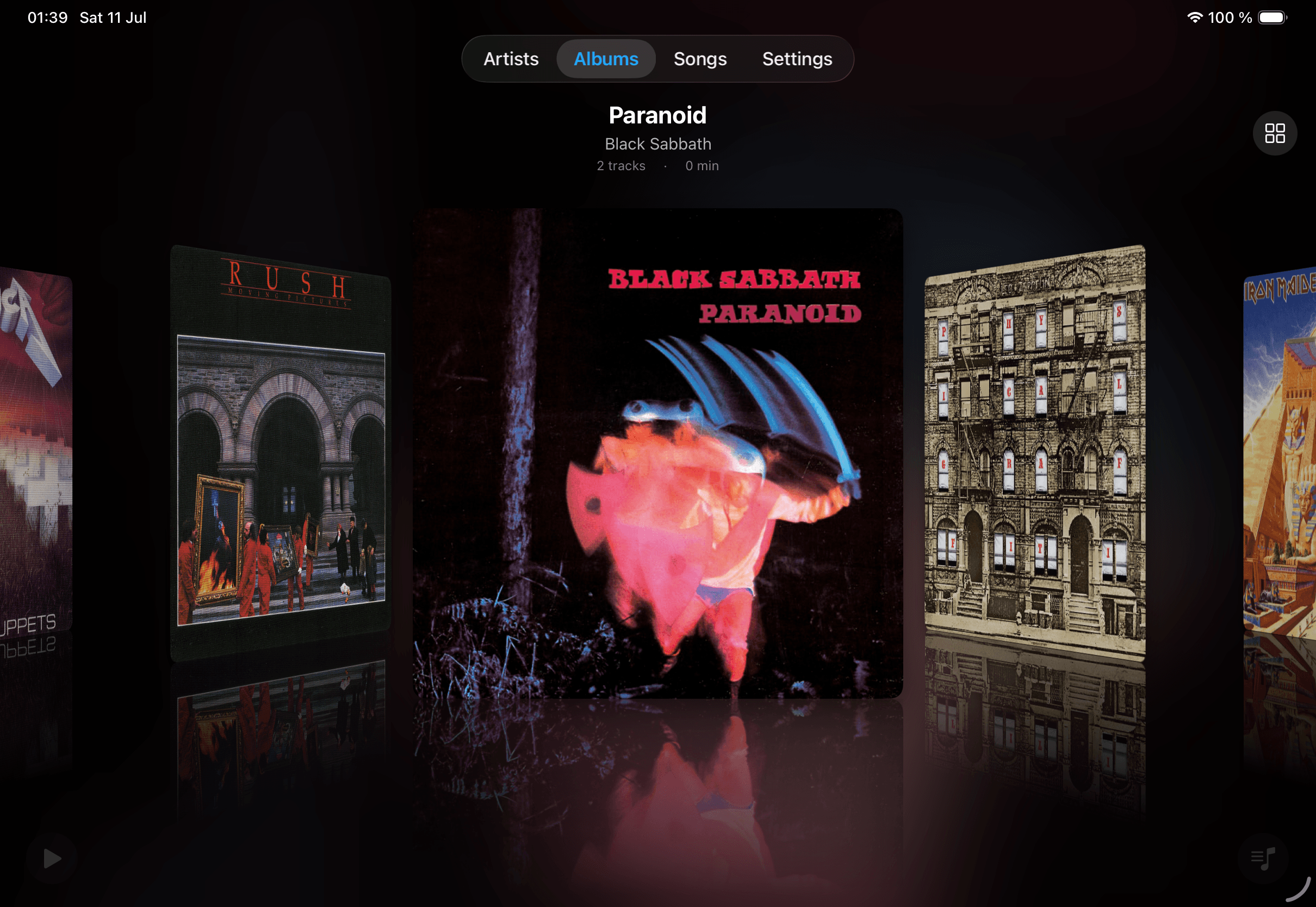
Flip through albums on the Shelf — artwork front and center, the way it was meant to be seen. Best experienced on iPad.
Why Plinth
Built for people who own their music
No subscription. Ever.
One purchase, permanent. Your music lives on your device, not a server that might raise prices, go offline, or lock you out.
AI DJ
Queue suggestions powered by Apple Intelligence, Ollama, or Grok (xAI) — based on your actual listening history, not a popularity graph.
Wi-Fi import
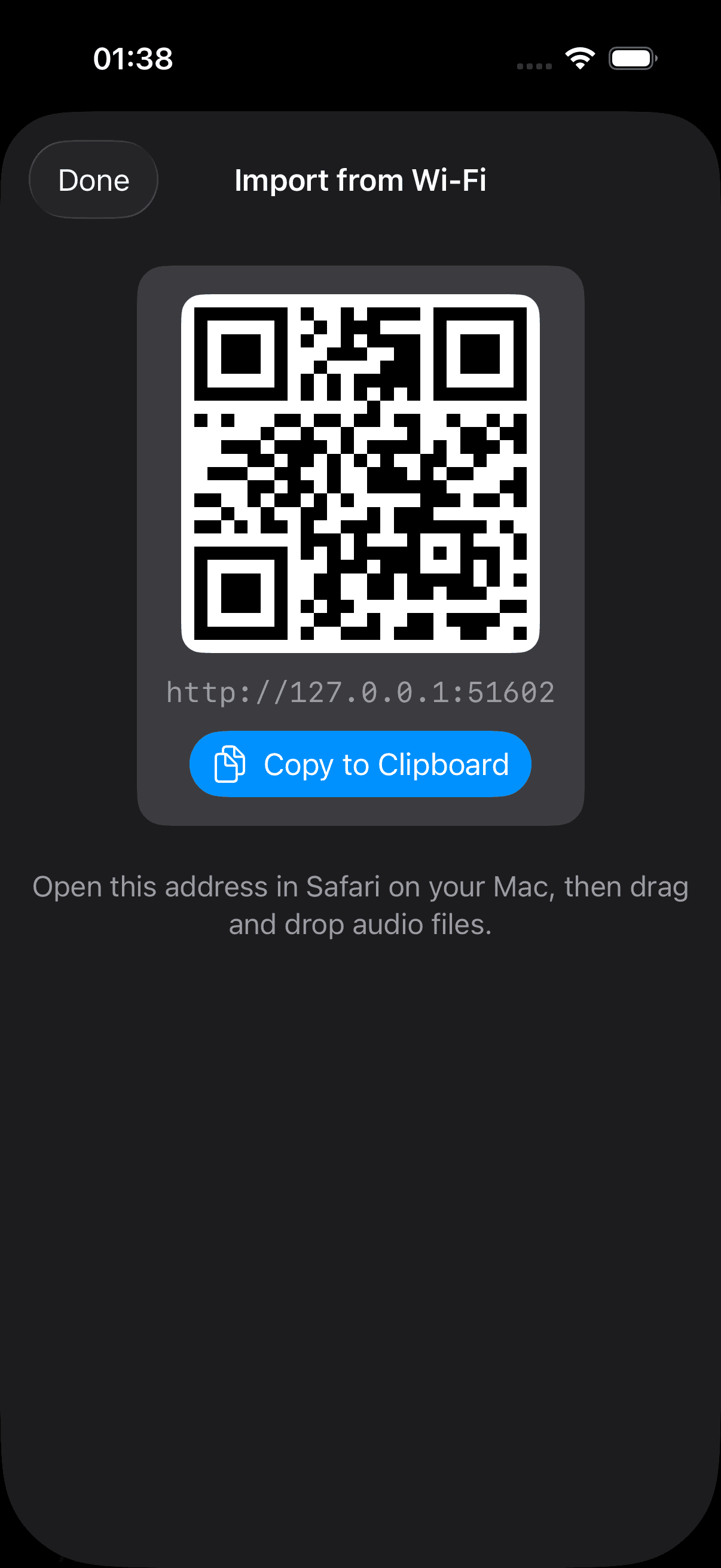
Plinth shows a QR code. Scan it on your Mac, drag audio files from Finder into the browser. No cable, no iTunes, no cloud account.
Audiophile formats
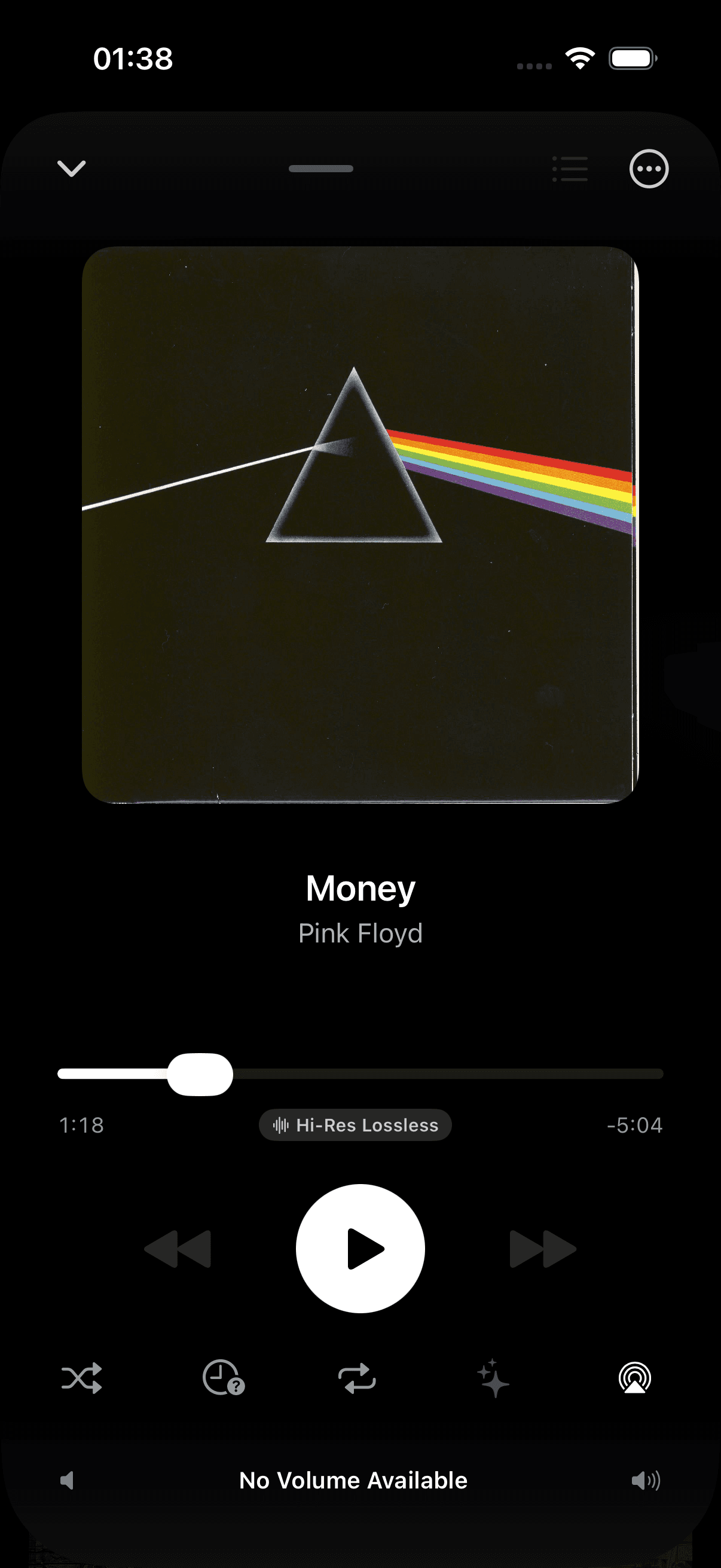
FLAC, WAV, ALAC, AIFF, MP3, M4A. Hi-Res Lossless badges. Gapless playback. Crossfade. Bit-perfect output.
Research Mode
Jumps to the midpoint of each track, plays 15 seconds, then auto-advances. Rediscover a 500-album library in an evening.
CarPlay
Full CarPlay support with albums, artists, and songs. Shuffle, repeat, and research mode controls right on your dashboard.
Listening stats
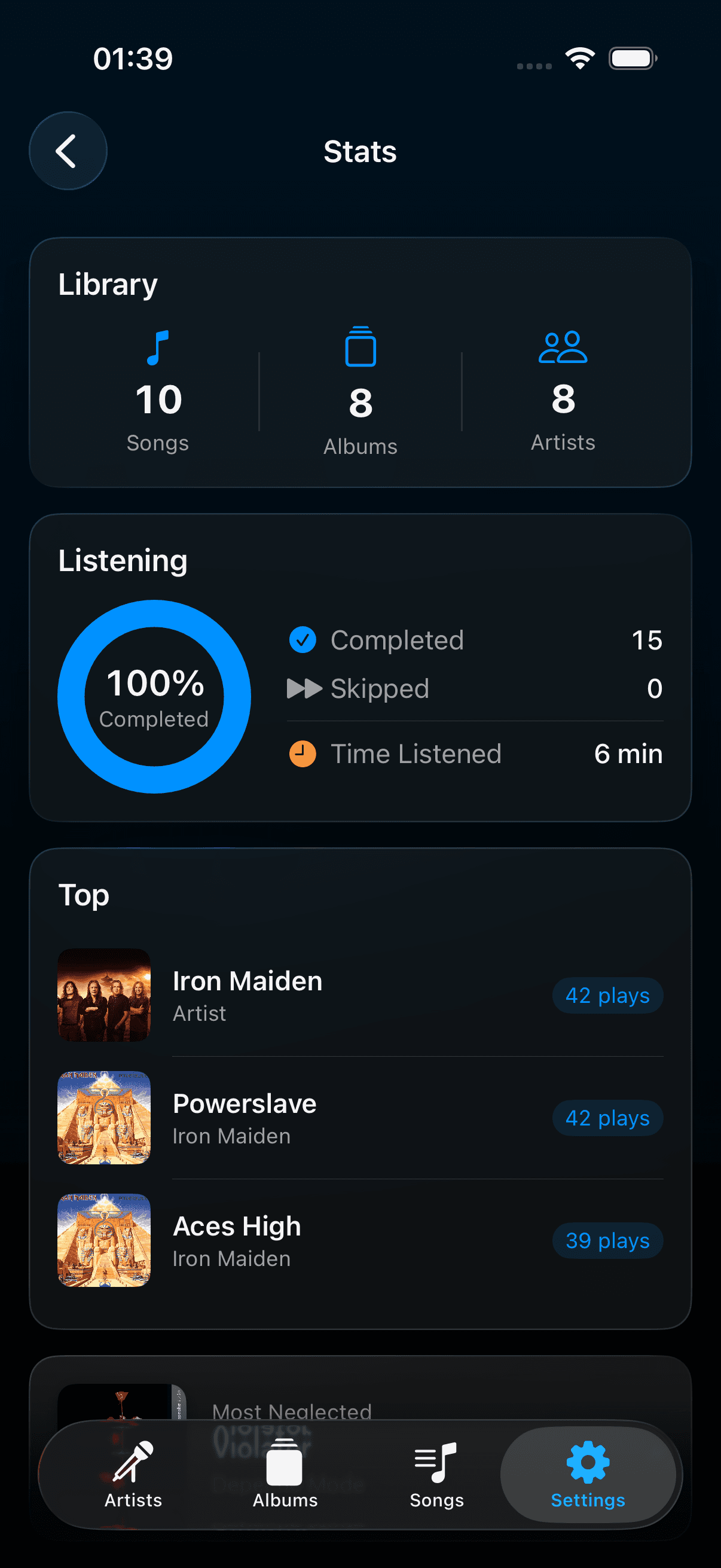
Play counts, top artists, top albums, most-skipped tracks, and a 'neglected album' card that surfaces records you forgot you owned.
Metadata & lyrics
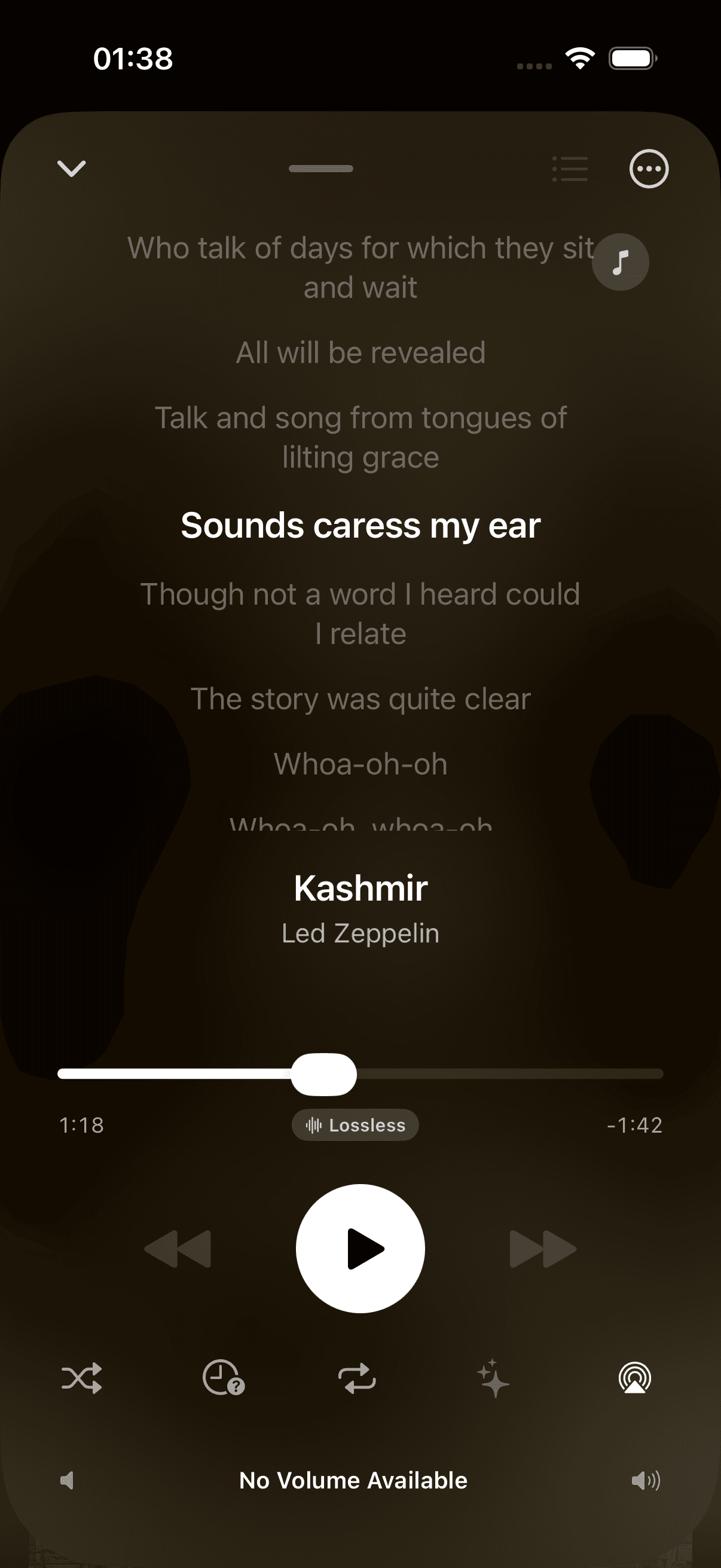
Edit tags, bulk-set album artists, fetch artwork from MusicBrainz and iTunes, and search lyrics to attach to any song.
AI DJ
A DJ that reads your history,
not the algorithm
Plinth feeds your library and listening history to an AI. It suggests what to queue next based on what you replay, what you skip, and what you've been into lately — not what's trending.
Already pay for Claude or ChatGPT? Bring that key and it powers your queue. Prefer nothing to leave the room at all? Apple Intelligence runs on-device and Ollama runs on your own machine. Either way your audio files stay put — only text metadata is ever sent.
Playback Modes
Four ways to listen.
One is unlike anything else.
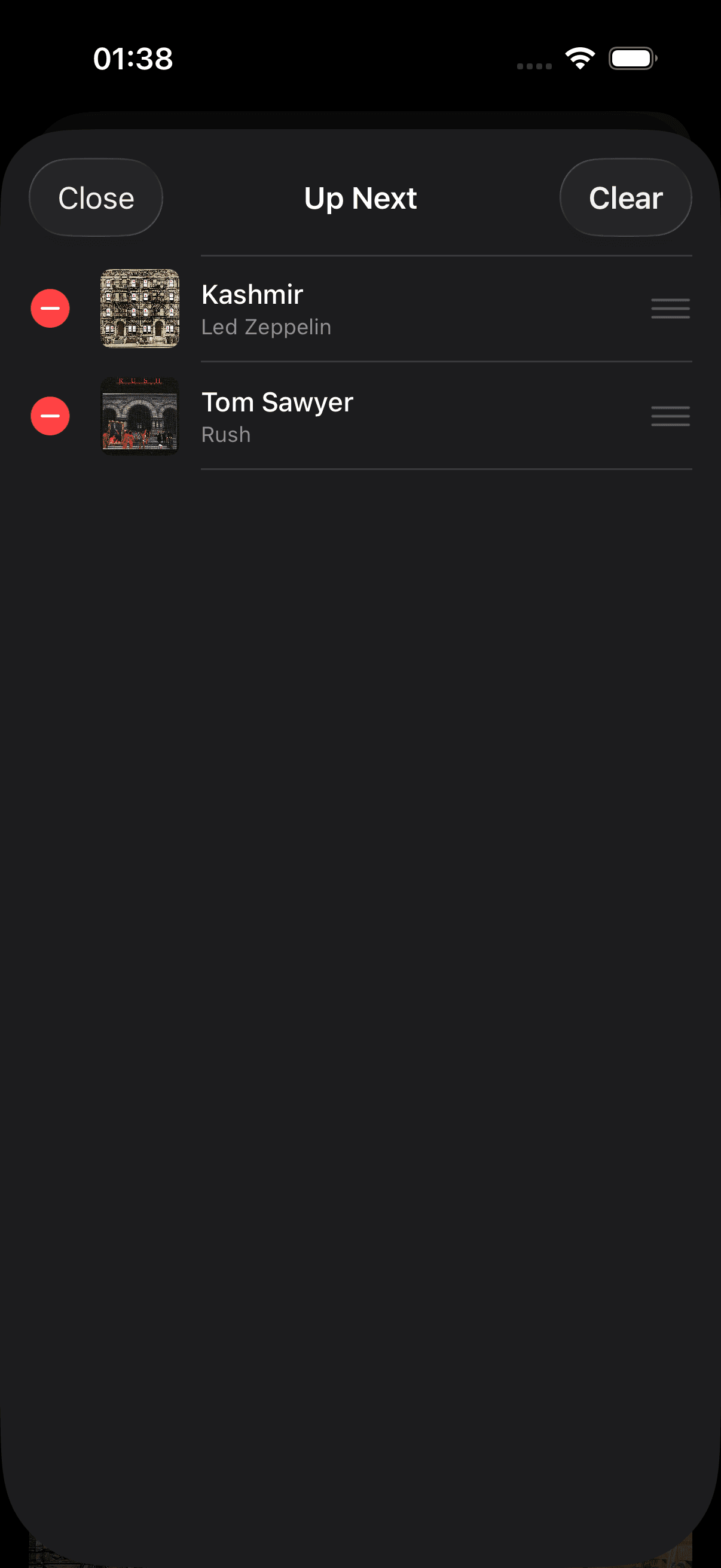
Research Mode jumps to the midpoint of each track, plays 15 seconds, then auto-advances. It's the fastest way to rediscover records you imported years ago and never really heard.
Listening Stats
See what you
actually play.
Top artists, top albums, most-skipped tracks — and a neglected album card that surfaces records you forgot you owned. Nothing synced to a server; every count stays on your device.
Audiophile Formats
Hear every
last detail.
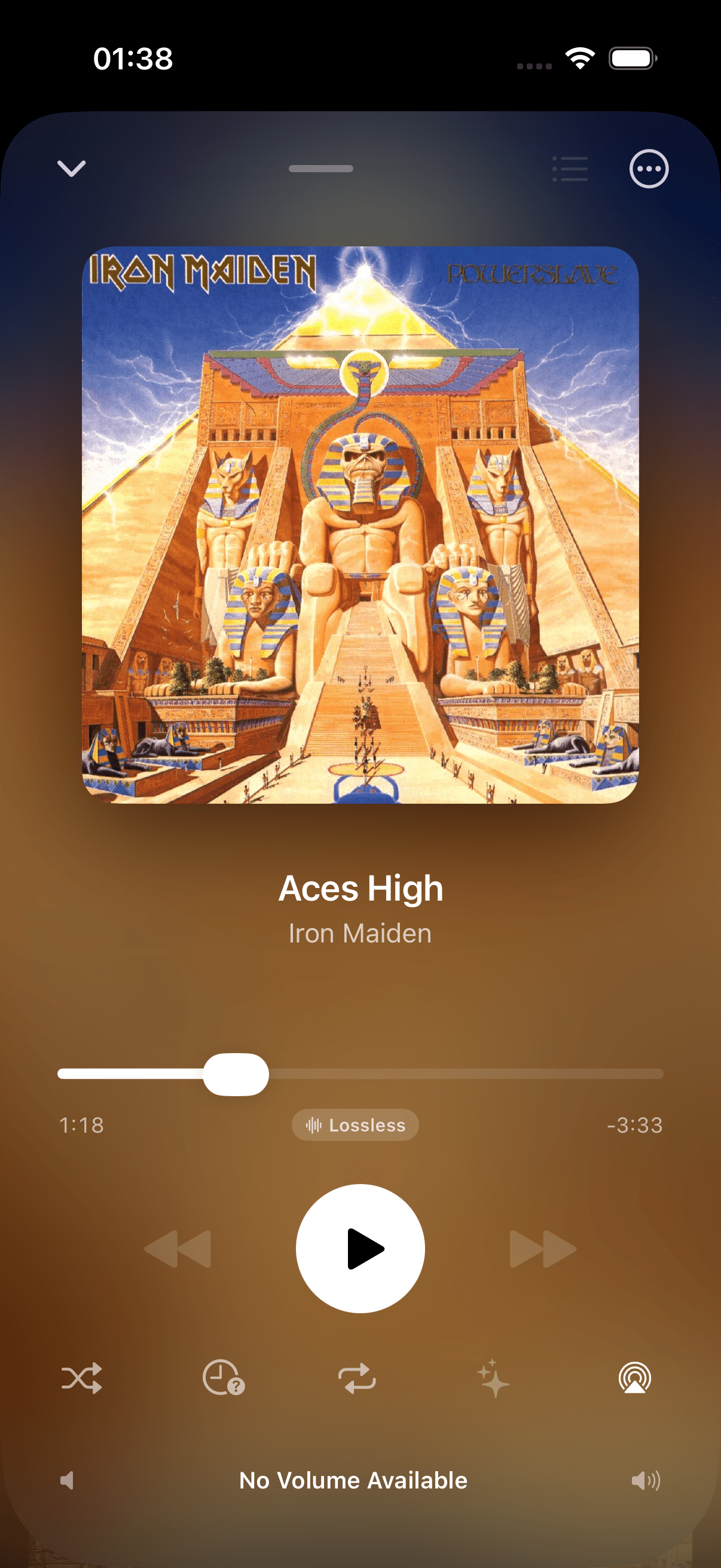
FLAC, ALAC, and WAV up to 24-bit/192kHz. Plinth shows a Hi-Res Lossless badge right in Now Playing whenever a track qualifies — no separate settings screen to check.
Metadata & Lyrics
Every tag.
Every word.
Bulk-edit tags across an entire album, fetch missing artwork from MusicBrainz and iTunes, and search lyrics to attach to any song — all without leaving your library.
Wi-Fi Import
Drag. Drop.
Done.
Plinth shows a QR code. Scan it on your Mac, drag audio files from Finder into the browser that opens. No cable, no iTunes, no cloud account in between.
Import
Transfer music in three steps
CarPlay
Your library,
on the dashboard.
Albums, artists, and songs, browsable from the wheel. Every playback mode — including AI DJ — works the same in the car as it does in your pocket.
Universal Purchase
One purchase. Three platforms.
Buy once on the App Store. Plinth runs natively on iPhone, iPad, and Mac — no separate licenses, no upgrade fees, no subscription required anywhere.