
AI DJ
A DJ that reads your history,
not the algorithm
Plinth feeds your library and listening history to an AI and asks for suggestions from your own collection — weighted by what you replay, what you skip, and what you've been into lately, not what's trending anywhere else.
How AI DJ works
A prompt built from what you actually play
Plinth assembles your current track, your 25 most recent plays, and your full library grouped by artist and album into a single prompt — the same shape every provider receives.
Sent to the one provider you chose
Apple Intelligence and Ollama answer entirely on-device, with nothing transmitted externally. Claude, OpenAI, and Grok use your own API key and receive only text metadata — never your audio files.
No silent fallback
Exactly one provider answers every request until you switch to another in Settings. If that provider is unreachable, Plinth doesn't quietly reroute to a different one.
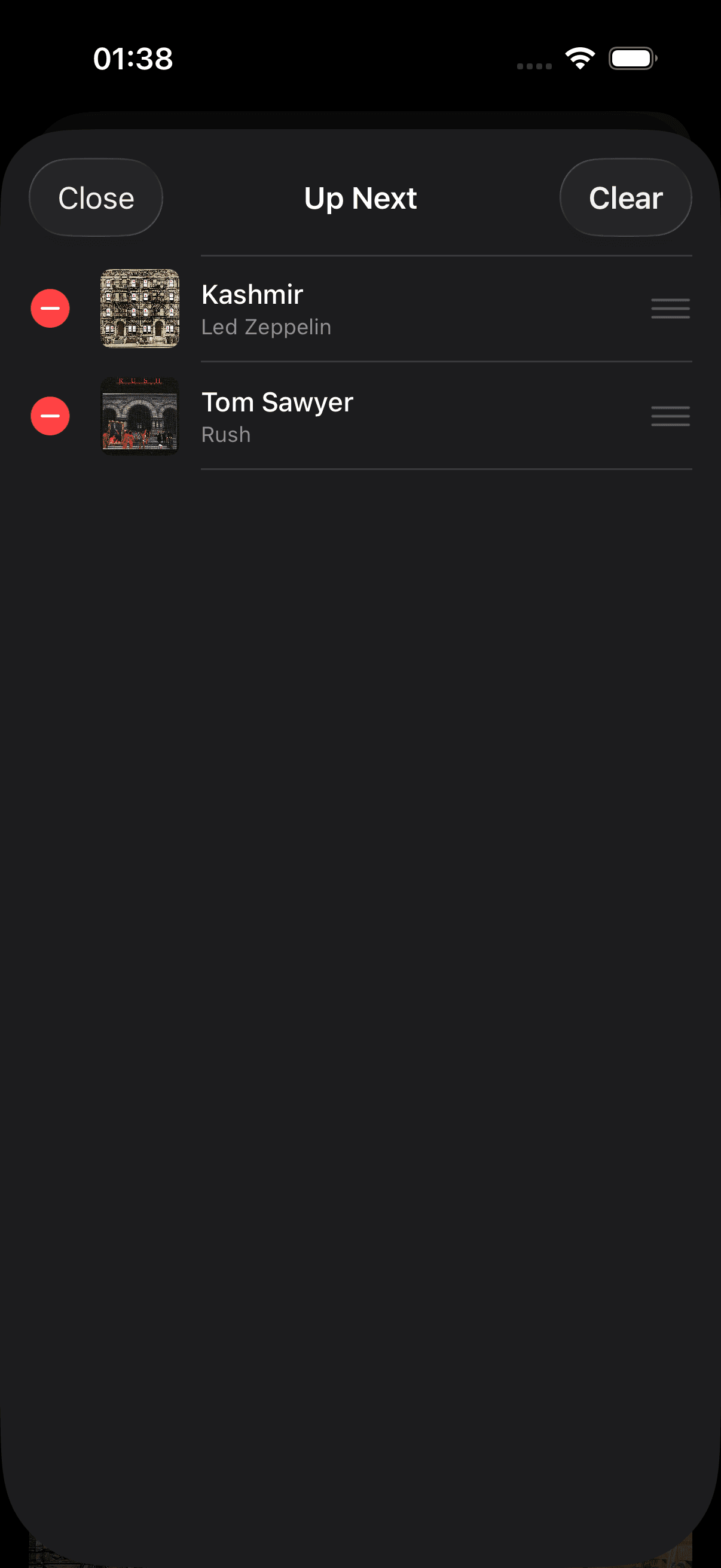
Matches go straight into your queue
Suggested tracks that exist in your library are queued automatically. Anything the model names that can't be matched — a hallucinated title, a misspelled artist — is filtered out silently rather than shown as a broken entry.
Questions about AI DJ
How does the AI DJ work?+
When you enable AI DJ, Plinth builds a prompt from your current track, your recent listening history, and your full library (grouped by artist and album). It sends this prompt to your chosen AI provider and asks for song suggestions from your own library. Matched tracks are added to your queue automatically. The AI never gains access to your actual audio files — only text metadata.
What AI providers are supported?+
Five options. Two keep everything local: Apple Intelligence (fully on-device, iOS/macOS 26+) and Ollama (a locally-running model server — your hardware, your model, zero data leaves your machine). Three are cloud providers you connect with your own API key: Claude (Anthropic), OpenAI and Grok (xAI). You pick one, and it answers every request until you pick another — Plinth never silently falls back to a different provider, so your requests and your spending only ever go where you chose to put them. Note that a cloud provider needs an API key from that vendor’s developer platform; a ChatGPT Plus or Claude Pro subscription is a separate product and does not include API access.
Does the AI see my listening history or personal data?+
When using Apple Intelligence or Ollama, everything runs on your device — nothing is transmitted externally. When using a cloud provider (Claude, OpenAI or Grok), the prompt Plinth sends contains only your track metadata (artist names, album titles, song titles, and genres). No audio, no usage analytics, no account information is included.
The AI DJ suggested songs I don't own. Why?+
The AI is asked to suggest tracks from your library, but language models can occasionally hallucinate titles that don't exist in your collection. Plinth filters suggestions against your actual library before queueing anything — if a suggested track can't be matched, it's silently skipped. If the queue is often empty after an AI fetch, try improving the metadata of your library (artist names, album titles) so the AI's suggestions can be matched more accurately.